
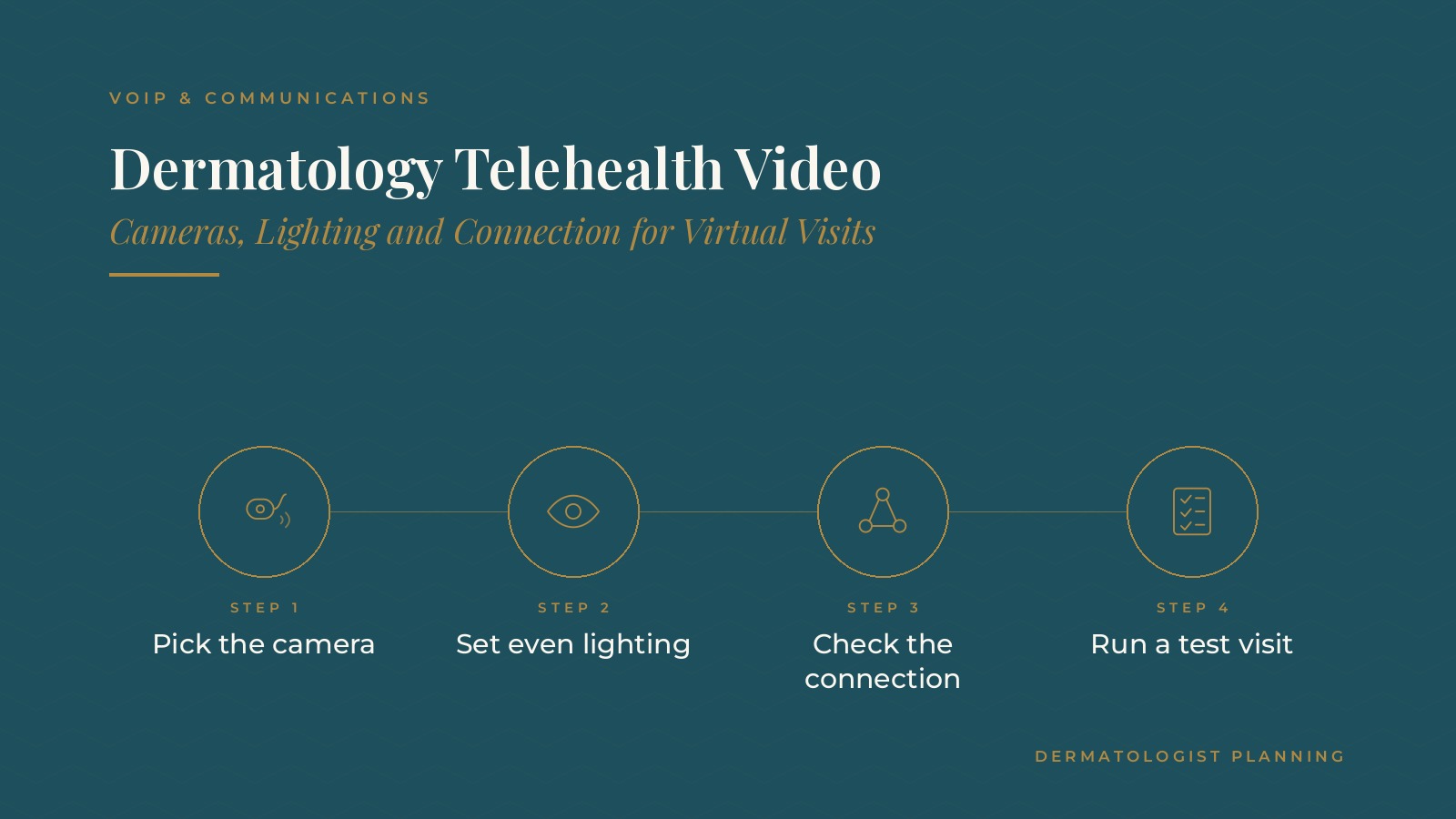
Dermatology Telehealth Video | Cameras, Lighting and Connection for Virtual Visits
Dermatology telehealth video refers to the equipment, room setup and connection a practice uses to hold virtual visits by video. Because dermatology conversations often depend on what can be seen on screen, camera quality, lighting and a steady connection matter more than in many other specialties. In short, dermatology telehealth video works best with a quality camera at each station, bright and even lighting, clear audio, a wired connection where possible and a short routine that staff follow before every session. A test call at the start of the day catches most problems early. This resource from Dermatologist Planning covers common equipment choices, lighting, room setup, network checks, staff roles and the questions practices bring to IT and communications professionals.
Key takeaways
- Choose a quality camera for each station.
- Use bright, even, color-neutral lighting.
- Keep audio clear with a headset or good microphone.
- Use a wired connection where possible.
- Run a test call before each session.
What dermatology telehealth video involves
The full setup
A dermatology telehealth video setup includes the camera, screen, audio, lighting, room, internet connection and the steps staff follow. The video software is only one part.
Dedicated stations
Many practices create one or more video stations that stay set up, so physicians and staff do not rebuild the arrangement before every visit.
Connected to existing tools
Video visits usually rely on the same scheduling and phone tools the practice already uses. The guide to dermatology VoIP explains how hosted phones and extensions are organized, which helps when video is added to the mix.
Cameras and image quality
A separate camera
A dedicated camera at eye level generally gives a sharper, steadier image than a built-in laptop camera, and a mount keeps it in the same place each day.
Resolution and focus
Cameras with good resolution and reliable autofocus help the physician's side of the call look clear. The practice's IT professional can suggest settings that suit its video software.
Screen size
A larger monitor, or a second screen, gives the physician a bigger view of the patient's video and keeps notes visible at the same time.
Spare parts
A spare camera cable and headset kept at each station prevent one failed part from delaying a session.
Label the equipment
A small label listing the camera, headset and monitor used at each station makes it easy to spot a missing or swapped part, and it makes a new station quick to set up the same way.
Dermatologist Planning can introduce you to independent communications and IT professionals who work with dermatology practices on video visit equipment, lighting and connection planning. To request an introduction, contact us or call or text (972) 616-4581. You can also read about dermatology VoIP and communications services.
Lighting for virtual visits
Bright and even
Soft, even light from in front of the physician keeps the face clear on screen. Light from straight overhead or behind tends to create shadows.
Color-neutral bulbs
Daylight-balanced bulbs or panel lights help colors look natural on camera, which matters in a specialty that relies on what is seen.
Avoid mixed light
A mix of window light and warm room lamps can shift colors during the day. Many practices use the same light source at each station for consistency.
Check it on screen
A quick look at the camera preview before the first visit confirms the lighting looks the same as the day before.
Audio and room setup
Clear audio
A headset with a microphone, or a quality desk microphone with speakers placed away from it, keeps voices clear and reduces echo in small exam rooms.
A quiet room with a closed door
Video stations work best in a room away from the front desk and waiting area. A door sign shows when a visit is in progress.
A simple background
A plain wall or a tidy branded backdrop keeps attention on the conversation and gives every physician the same professional look on screen.
Camera position
Placing the camera at eye level and about an arm's length away gives a natural view. A marked spot for the chair helps each physician sit in the same position, so lighting and framing stay consistent from one session to the next.
Internet connection and network
Wired where possible
A wired connection at each station is usually steadier than wireless, especially in a busy office with many devices sharing the network.
Upload capacity
Video uses upload as well as download capacity. An IT professional can check whether the connection supports several video visits during a normal clinic day.
Updates on a schedule
Computers, cameras and video software are updated outside clinic hours on a set schedule, so a restart or new version never interrupts a visit. The guide to dermatology managed IT covers how ongoing support and updates are commonly arranged.
Staff roles and a test routine
Before the session
A named staff member checks each station at the start of the day with a short test call, confirming the camera, lighting, audio and connection.
During the visit
If the connection drops, staff follow a written step, such as calling the patient on the phone number on file to reconnect.
After the visit
Staff handle follow-up scheduling and reset the station. The guide to dermatology scheduling explains how practices set aside blocks for different visit types. Practices using Microsoft 365 for dermatology often keep the station guide and contact list in a shared folder.
Questions to ask an IT or communications professional
Planning questions
- Which camera, lighting and audio setup suits each video station?
- Can each station use a wired connection?
- Does the connection support several video visits at the same time?
- How will software and device updates be scheduled?
- Who is the first contact when video problems come up during clinic hours?
Keep records with the practice
Many practices keep the equipment list, station guides and support contacts in their own shared folders, so the setup can be repeated when stations or locations are added.
Frequently asked questions
What is dermatology telehealth video?
It is the equipment, lighting, room setup, connection and staff routine a dermatology practice uses to hold virtual visits by video.
Why does lighting matter so much for dermatology video visits?
Dermatology conversations often depend on what is seen on screen, so bright, even and color-neutral lighting helps the picture look clear and natural.
Is a built-in laptop camera enough?
Many practices use a separate camera at eye level instead, because it usually gives a sharper and steadier image than a built-in camera.
Should video stations use a wired connection?
Where possible, many practices use a wired connection at each station, because it is usually steadier than wireless in a busy office.
How do practices prevent video problems during clinic hours?
Many practices run a short test call at each station before the first visit and keep a written step for dropped connections.
Request an introduction
Dermatologist Planning can introduce you to independent communications and IT professionals who work with dermatology practices on video visit equipment, phone systems and network planning. Learn more about dermatology VoIP and communications services, then take the short Dermatologist Planning Business survey and request an introduction. You can also call or text (972) 616-4581, or contact us. The form goes to [email protected].