
Dermatology Cloud Services | What to Move to the Cloud and When
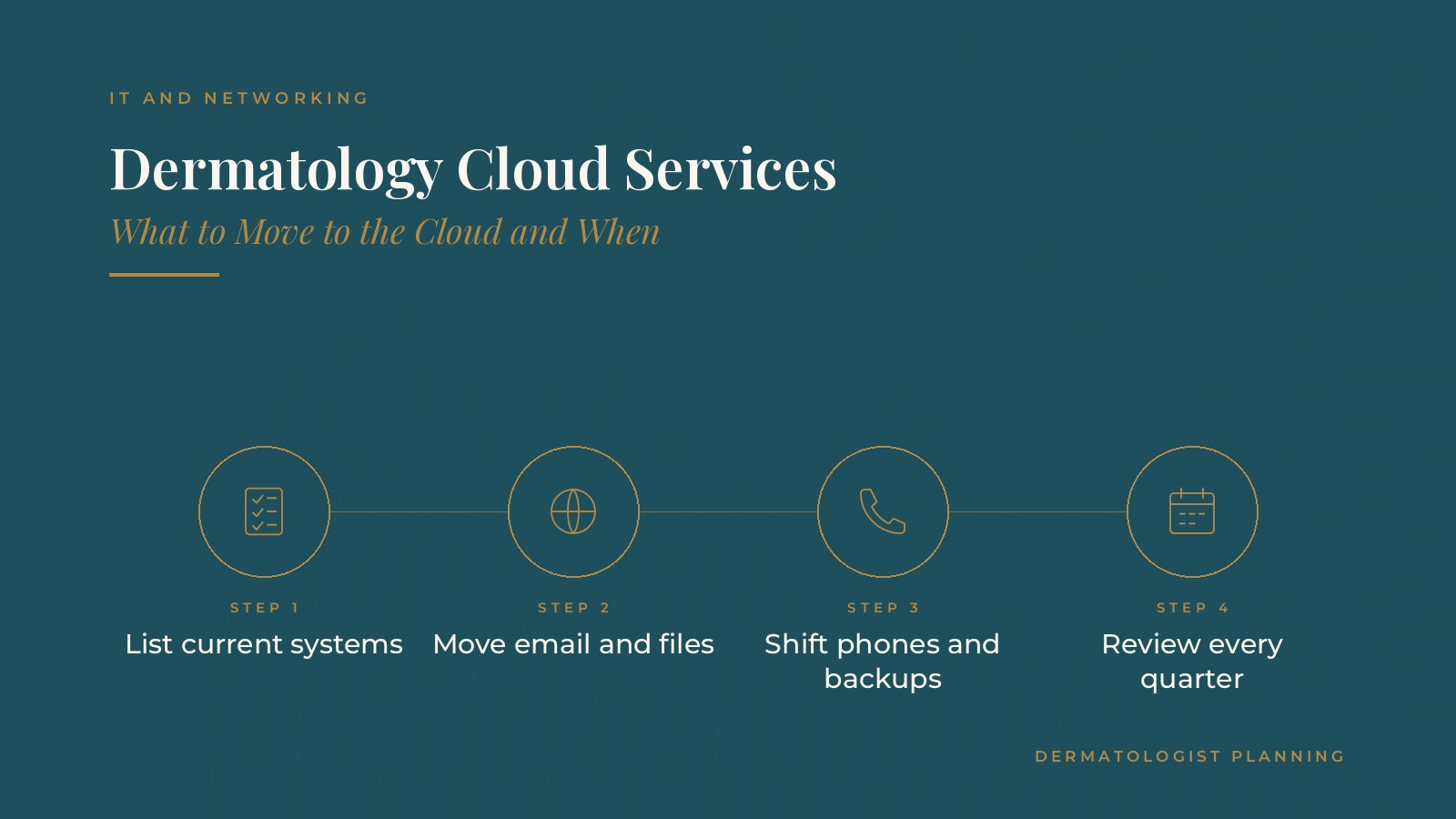
Dermatology cloud services are the online systems a practice uses in place of, or alongside, equipment kept in the office, such as cloud email, shared files, internet phone service and offsite backups. Choosing what to move, and when, shapes how easily staff can work across rooms and locations. In short, dermatology cloud services work best when the practice lists its current systems first, moves lower-risk tools like email and files early, plans phones and backups as separate projects, keeps some equipment such as printers and imaging devices local where needed and reviews the setup on a regular schedule. This resource from Dermatologist Planning explains common cloud services, what often stays in the office, how practices stage a move and the questions practices often bring to an IT professional.
Key takeaways
- List every current system before planning.
- Move email and shared files first.
- Plan phones and backups as their own projects.
- Keep some devices on the local network.
- Review cloud services every quarter.
What dermatology cloud services usually include
Email and shared files
Cloud email and file storage let staff reach messages and documents from any office computer, with shared folders for forms, schedules and training materials. The guide to dermatology Microsoft 365 covers one common setup.
Phones and messaging
Internet phone systems route calls over the network instead of older phone lines, which makes it easier to add extensions or forward calls between locations. The dermatology VoIP guide covers phone planning.
Backups and practice software
Many practices use offsite backup services, and many record and scheduling systems are now offered as hosted services run by the software company.
Why practices consider the cloud
Common reasons include staff who move between rooms and offices, aging servers in a closet, a wish for simpler backups and faster setup when new providers or locations are added. The reasons shape which systems move first.
What often stays local
Devices in the clinic
Printers, label makers, scanners and some imaging or treatment devices connect to the local network and still need dependable office equipment and cabling.
The office network
Even a cloud-heavy practice relies on a solid local network: a business internet line, a firewall, wired connections where possible and well-placed wireless access points.
A backup internet line
Because cloud tools depend on the internet, many practices add a second connection from a different provider so an outage does not stop check-in or phones.
Software that is tied to the office
Some older programs and device software only run on a local computer. An IT professional can check with each software company whether a hosted version exists and what a move would involve before anything changes.
Dermatologist Planning can introduce you to independent IT professionals who work with dermatology practices on cloud planning, email and file systems, phones and backups. To request an introduction, contact us or call or text (972) 616-4581. You can also read about IT and networking for dermatology practices.
Planning a move to dermatology cloud services
Start with an inventory
An IT professional often begins by listing every system, who uses it, where its data lives and how it connects to other tools. That list shows what can move and what depends on what.
Set goals for the move
Common goals include easier access across locations, fewer servers in a closet, simpler backups and quicker setup for new staff.
Choose a sequence
Moving one system at a time keeps disruption low. Many practices pick a quiet period, such as a slower week, for each change.
Communicate the plan
A short note to staff before each change, covering what is moving, when it happens and what they will notice on the day, keeps surprises to a minimum and helps the front desk answer patient questions if phones or email change.
A staged cloud move, step by step
Step one: email and files
Email and shared files are often moved first because they affect every user and are well understood by most IT professionals.
Step two: phones
Phone changes are usually planned as their own project, with number transfers scheduled for a time when call volume is low.
Step three: backups
Offsite backups are set up and tested so the practice can restore files and systems if a device fails. The dermatology data backup guide covers testing and recovery planning.
Step four: review what remains
Once the main moves are done, the practice reviews remaining office equipment and decides what stays, what is replaced and what moves later.
Training staff on cloud tools
Short, role-based sessions
Front desk, clinical and billing staff use different tools, so brief training sessions by role tend to work better than one long session for everyone.
Quick reference guides
One-page guides for signing in, finding shared folders and forwarding calls help staff through the first weeks.
A clear help path
Staff need to know who to contact when something does not work. Many practices use a help desk ticket process run by their IT provider. Tracking those tickets during the first month after each move shows where extra training or a settings change would help most.
Reviewing dermatology cloud services over time
A quarterly check
Many practices review user accounts, storage, backup reports and phone settings each quarter, removing accounts for departed staff and adjusting licenses as the team changes.
Watching performance
Slow file access or dropped calls often point to the office network or internet line. Regular checks catch these issues before they affect patients.
Planning ahead
New locations, new providers and new services all affect cloud needs, so many practices include IT in their yearly planning.
Questions practices bring to an IT professional
Common planning questions
- Which systems should move to the cloud first?
- What should stay on the office network?
- How will the move be scheduled around clinic hours?
- How are backups tested and reported?
Keeping accounts in the practice's name
Many practices keep cloud accounts, domain names and administrator access in the practice's own name, with outside IT professionals added as users. The guide to dermatology managed IT covers how outside support is usually arranged.
Frequently asked questions
What are dermatology cloud services?
They are online systems a dermatology practice uses for email, shared files, phones, backups and practice software instead of relying only on equipment in the office.
What should a dermatology practice move to the cloud first?
Many practices start with email and shared files, then plan phones and backups as separate projects.
What usually stays in the office?
Printers, scanners, some clinical devices and the office network itself usually remain local, along with a dependable internet connection.
Do cloud services need a backup internet line?
Many practices add a second internet connection from a different provider so check-in, phones and records stay available during an outage.
How often are cloud services reviewed?
Many practices review accounts, storage, backup reports and phone settings every quarter and include IT in yearly planning.
Request an introduction
Dermatologist Planning can introduce you to independent IT professionals who work with dermatology practices on cloud services, IT planning and practice technology. Learn more about IT and networking for dermatology practices, then take the short Dermatologist Planning Business survey and request an introduction. You can also call or text (972) 616-4581, or contact us. The form goes to [email protected].